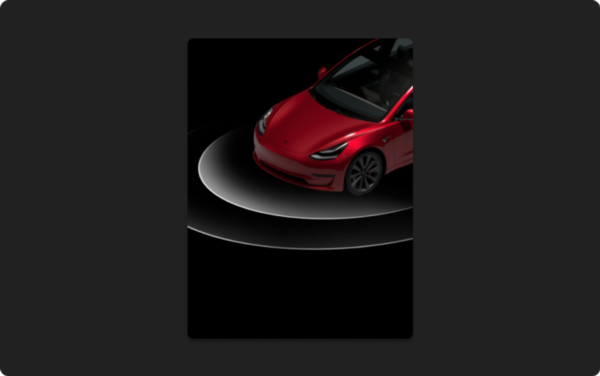
Per Tesla:
“Replace the horn sound of your vehicle locking with another sound, like a screaming goat, a round of applause, or a random fart.
Choose from the options at Toybox > Boombox > Lock Sound, or save your own sound as “LockChime.wav” (< 1 MB) onto a USB flash drive.”
It’s really that simple! Each downloaded file is already called LockChime.wav and simply needs to be downloaded onto the ROOT of your TESLADRIVE USB (not in any folders).
This can be the same drive used for your TeslaCam footage (Sentry Mode).
If you’ve downloaded multiple LockChime.wav files, your computer may rename the file to avoid duplicates (LockChime2.wav, etc). Some folks missed this when copying the desired file onto their TESLADRIVE USB – just double-check the file name.
Once you plug your flash drive into your vehicle, you’ll now see USB as an option under Toybox > Boombox > Lock Sound
Reviews
There are no reviews yet.